
September 16, 2026
The No-Rise Surprise
Why Additional Conveyance Area Doesn’t Always Lower Water Surface
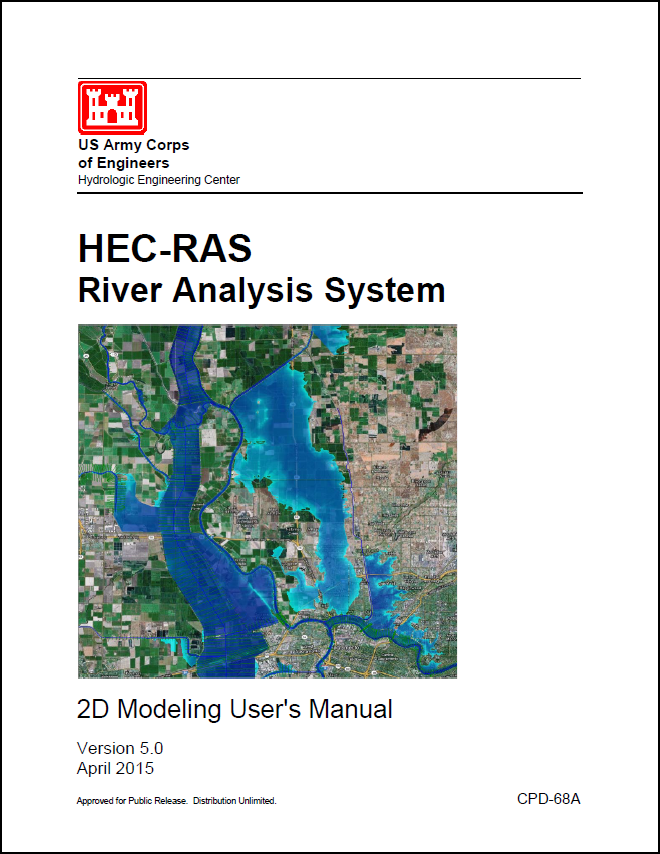 In advance of the final release of Version 5.0 (hoping for this summer), HEC has released its 2D Modeling User’s Manual, written by Gary Brunner, the HEC-RAS Team Leader. This manual contains updates to all of the information that was put out in the previous guidance document, “Combined 1D and 2D Modeling using HEC-RAS” as well as more discussion on developing your terrain, creating the 2D mesh, combining with 1D elements, and avoiding errors and instabilities.
If you plan to run a 2D or combined 1D/2D model in HEC-RAS, please read this manual. Mr. Brunner has done a fantastic job putting together this very well-written document with easy-to-understand instructions and guidance for setting up and running a 2D or combined 1D/2D model in HEC-RAS.
You can get a free electronic copy of the HEC-RAS 2D Modeling User’s Manual here, or by clicking on the link on the side bar to the right.
An excerpt from the Introduction:
“HEC has added the ability to perform two-dimensional (2D) hydrodynamic flow routing within the unsteady flow analysis portion of HEC-RAS. Users can now perform one-dimensional (1D) unsteady-flow modeling, two-dimensional (2D) unsteady-flow modeling (full Saint Venant equations or Diffusion Wave equations), as well as combined 1D and 2D unsteady-flow routing. The 2D flow areas in HEC-RAS can be used in number of ways. The following are examples of how the 2D flow areas can be used to support modeling with HEC-RAS:
2D flow modeling is accomplished by adding 2D flow area elements into the model in the same manner as adding a storage area. A 2D flow area is added by drawing a 2D flow area polygon; developing the 2D computational mesh; then linking the 2D flow areas to 1D model elements and/or directly connecting boundary conditions to the 2D areas.”

Comments
The comments are closed.